
Installation
 Asif Mughal
5 min read
Asif Mughal
5 min read
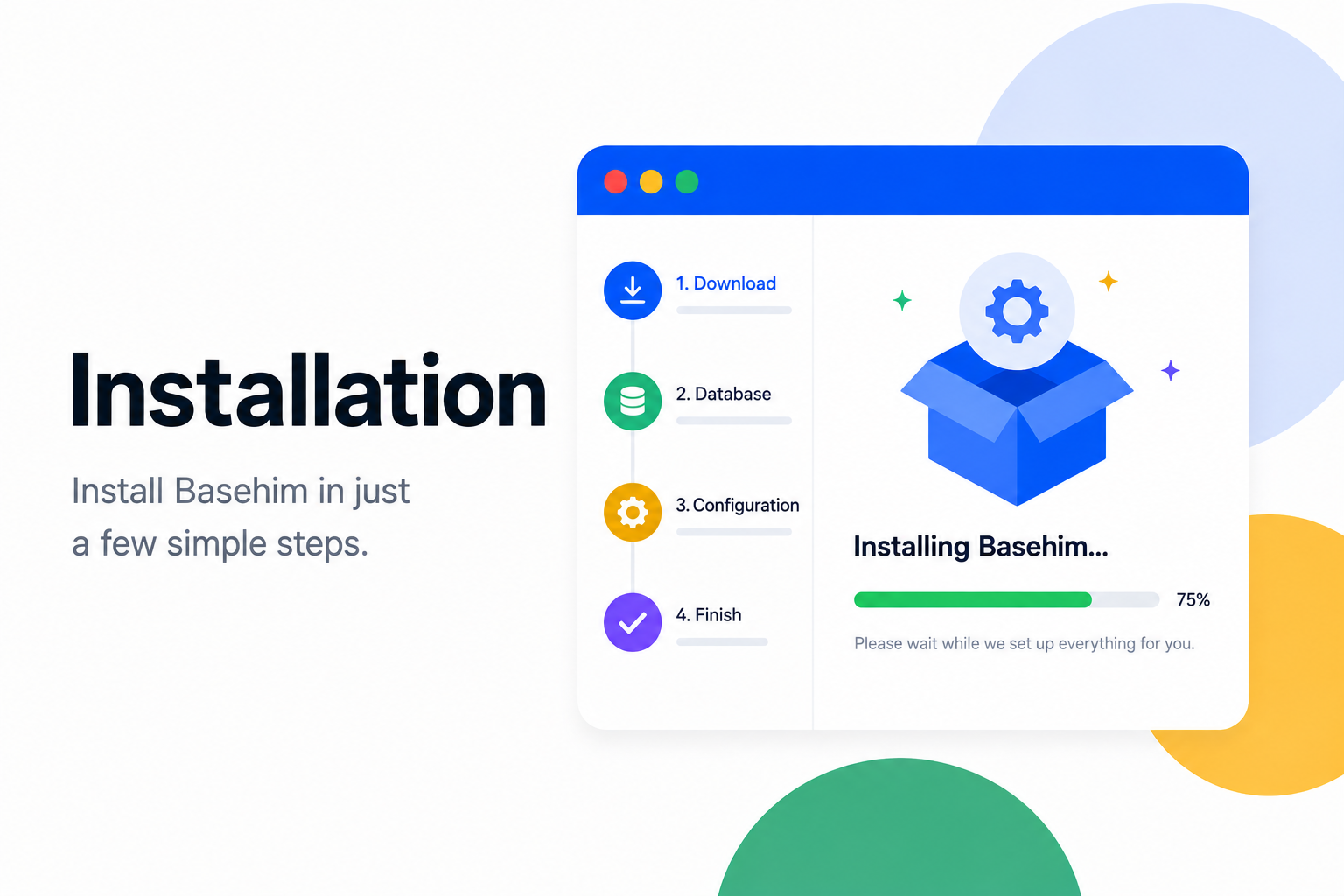
Basehim installs the way PHP software used to: upload the files, open the site, answer a few questions. There is no Composer step and no build. This page covers shared hosting, local development, subfolders, nginx and the checks to run when something goes wrong.
Requirements
| Minimum | Notes | |
|---|---|---|
| PHP | 8.1 | 8.2 or 8.3 recommended |
| PHP extensions | pdo_mysql, mbstring, json, openssl, fileinfo | gd is recommended for image sizes; curl is needed by apps that call other servers |
| Database | MySQL 5.7+ or MariaDB 10.3+ | One empty database and a user with full rights on it |
| Web server | Apache or LiteSpeed with mod_rewrite | nginx works with the rules below |
| Disk | about 30 MB | plus your uploads |
The installer checks the extensions and the folder permissions before it asks anything else.
On shared hosting (cPanel, Plesk, DirectAdmin)
- Download
basehim.zipand unzip it on your computer. - Upload the contents of its
basehim/folder to your document root, usuallypublic_html/. Include the hidden.htaccessfile. - In your control panel, create a MySQL database and a user, and give the user all privileges on that database.
- Open your domain. You are sent to
/install.php. - Work through the wizard: database details, site title, the admin account, and optional starter content.
When it finishes, the installer writes .env with INSTALLED=true and locks itself. Sign in at /admin.
Note: The site root must be writable while the installer runs, because it creates
.envthere.storage/andcontent/must stay writable afterwards (775 is enough; never use 777).
In a subfolder
Upload to a folder, for example public_html/cms/, and open https://example.com/cms/. Basehim detects its base path on every request, so there is nothing to configure. Themes and apps should build links with $base, link_to(), theme_asset() or $this->asset() so they keep working there.
Sharing one database between sites
Set DB_PREFIX in the installer (for example site2_). Every table, including the ones apps create, gets that prefix. Choose it before installing and never change it afterwards: the site would look for tables that don't exist.
On your own machine
git clone https://github.com/basehim/basehim.git
cd basehim
php -S localhost:8000 server.php
Then open http://localhost:8000 and run the installer. Use 127.0.0.1 rather than localhost as the database host if PHP can't find the MySQL socket.
server.php sends requests to index.php and serves the asset folders, like .htaccess does on Apache. It only works under php -S.
Tip: PHP's built-in server handles one request at a time. That is fine for development. But an app that calls its own site over HTTP will wait on itself forever. Call core in-process through
$this->api()instead (see The App API).
Apache
The bundled .htaccess does three jobs:
- sends every request that isn't a real file to
index.php; - passes the
Authorizationheader through to PHP, which bearer tokens need on many cPanel servers; - denies direct access to
app/,config/,database/,storage/(exceptstorage/uploads),routes/,tests/,bootstrap.php,.envand other dotfiles.
Keep it. If API calls with a valid key return 401, the Authorization header is being stripped: make sure .htaccess is uploaded and mod_rewrite is on.
nginx
nginx ignores .htaccess, so you have to repeat its rules yourself. Basehim is developed and tested on Apache; this server block mirrors the bundled .htaccess. Adjust root and the PHP-FPM socket:
server {
    listen 80;
    server_name example.com;
    root /var/www/basehim;
    index index.php;

    # Public assets are served as files.
    location ^~ /storage/uploads/ { try_files $uri =404; }
    location ^~ /admin/assets/    { try_files $uri =404; }
    location ~ ^/content/themes/[^/]+/assets/ { try_files $uri =404; }

    # Never serve these directly.
    location ~ ^/(app|config|database|storage|routes|tests)(/|$) { deny all; }
    location ~ ^/(bootstrap\.php|server\.php)$ { deny all; }
    location ~ /\. { deny all; }

    # Everything else goes to the front controller.
    location / { try_files $uri /index.php?$query_string; }

    location ~ \.php$ {
        # Only index.php and install.php are entry points.
        location ~ ^/(?!index\.php|install\.php) { return 404; }
        include fastcgi_params;
        fastcgi_param SCRIPT_FILENAME $document_root$fastcgi_script_name;
        fastcgi_param HTTP_AUTHORIZATION $http_authorization;
        fastcgi_pass unix:/run/php/php8.3-fpm.sock;
    }
}
The \.php$ rule refuses PHP files other than the two entry points. That includes app and theme files, which Apache would otherwise run directly.
Background tasks and cron
Apps can schedule work (hourly imports, daily clean-ups). By default due tasks run after a page has been sent to a visitor, so nobody waits for them. The catch: a site with no traffic runs nothing.
For tasks that must run on time, point a real cron job at the scheduler. The URL contains a secret token. Get it from the API as an administrator: with an API key that has the settings:read scope, or with a JWT.
curl -s https://example.com/api/v1/schedule \
  -H "Authorization: Bearer basehim_your_key" | grep -o '"cron_url":"[^"]*"'
Then add a crontab line (cPanel: Cron Jobs):
* * * * * curl -s "https://example.com/api/v1/schedule/run?token=YOUR_TOKEN" > /dev/nullA wrong token gets a plain 404, so the endpoint stays hidden.
After installing
- Sign in at
/adminand set the site title, timezone and permalinks under Settings. - Delete
install.phpif you like. It is locked anyway. - Serve the site over HTTPS. Session cookies and API tokens are only as private as the connection.
- Read Configuration for the
.envsettings you may want, such asTRUSTED_PROXIESbehind Cloudflare.
Troubleshooting
| Symptom | Likely cause and fix |
|---|---|
| Every page except the home page is 404 | .htaccess missing or mod_rewrite off. On nginx, add the try_files rule. |
"Not installed yet" from /api or /mcp | .env is missing. Open /install.php. |
| Installer says the root is not writable | Allow the web server user to write to the folder for the install, or create .env from .env.example yourself. |
| API calls with a valid key get 401 | The server strips Authorization. Keep the bundled .htaccess; on nginx pass HTTP_AUTHORIZATION. |
| White page or "Something went wrong" | Set APP_DEBUG=true in .env briefly, or read storage/logs/basehim-YYYY-MM-DD.log. |
| Images upload but thumbnails are missing | Install or enable the gd extension, then use Settings → Media → Regenerate thumbnails. |
| Scheduled tasks never run | No traffic and no cron. Add the cron line above. |
Leave a comment