Customizer options, menus and widgets
Declare Customizer options in theme.json and use them as CSS variables, add menu locations and widget areas, ship your own widgets, style the comment form and author box, and register filters from boot.php.

51 articles
Declare Customizer options in theme.json and use them as CSS variables, add menu locations and widget areas, ship your own widgets, style the comment form and author box, and register filters from boot.php.
Every variable a template receives, the fields on a post row, and every helper function a theme can call: menus, widgets, comments, authors, images, dates, settings and assets.
How one-click updates work, what they never touch, how database migrations run, how to update a git checkout, and how to ship updates for your own apps and themes.
Every setting Basehim reads from .env, what it does, and the ones to change for debugging, proxies, CORS, shared databases and token security.
The first public release. Basehim is now open source on GitHub, MIT licensed — with a built-in MCP server, OAuth 2.1 for AI agents, and a full REST API, on hosting that only needs PHP.
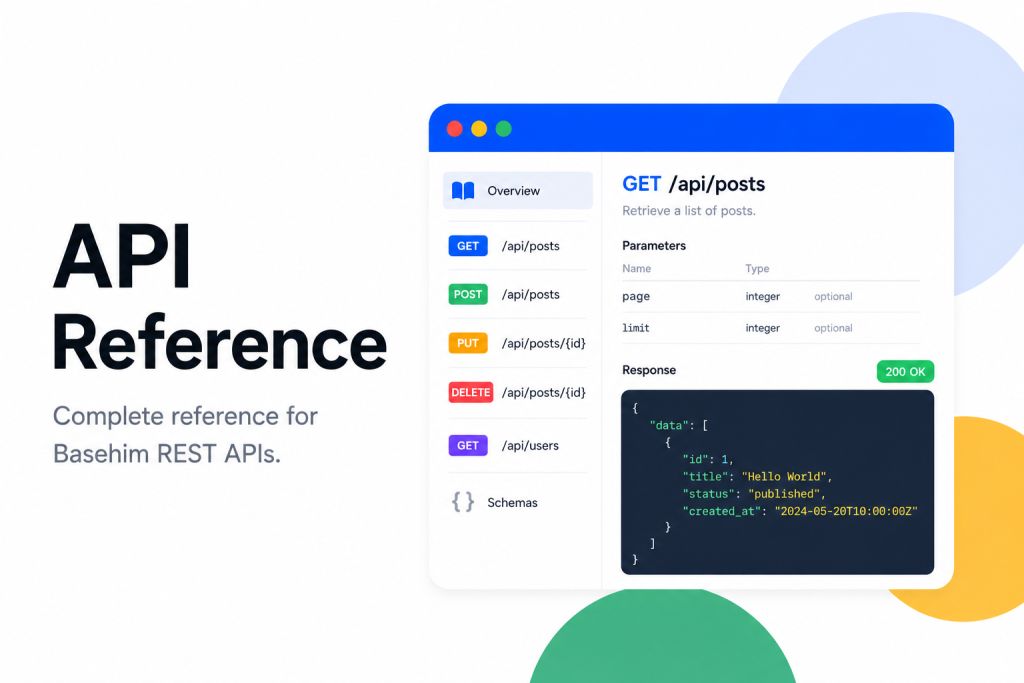
Every REST, OAuth and MCP endpoint in Basehim core, with the scope an API key needs for each, checked against the routes in Basehim 1.2.53.
Authenticate with API keys or JWT, understand scopes, responses, errors and pagination, and call the API from curl, JavaScript, PHP and Python with tested examples.
How a Basehim app is structured: the app.json manifest, the entry class, lifecycle methods, what boot() is for, the helpers the base class gives you, and how to package and publish an app.
How a Basehim theme is put together: the folder layout, theme.json, templates and partials, the data core passes in, bh_head() and bh_footer(), assets, pagination and packaging.
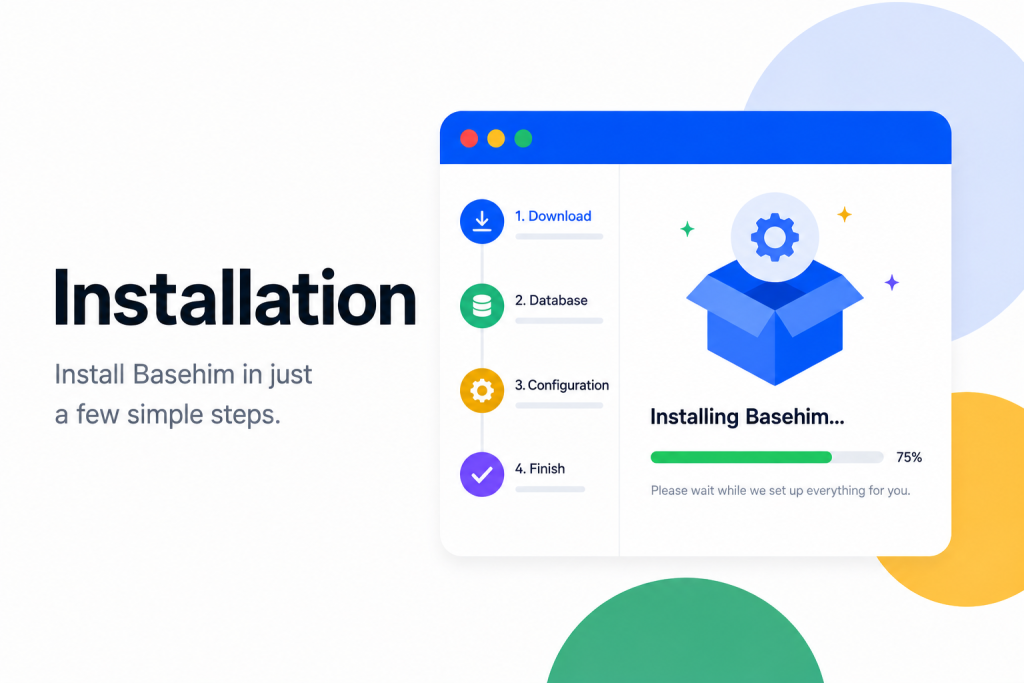
Install Basehim on cPanel, Plesk or DirectAdmin hosting in about five minutes: upload the files, create a database and run the installer.