
REST API guide
 Asif Mughal
10 min read
Asif Mughal
10 min read
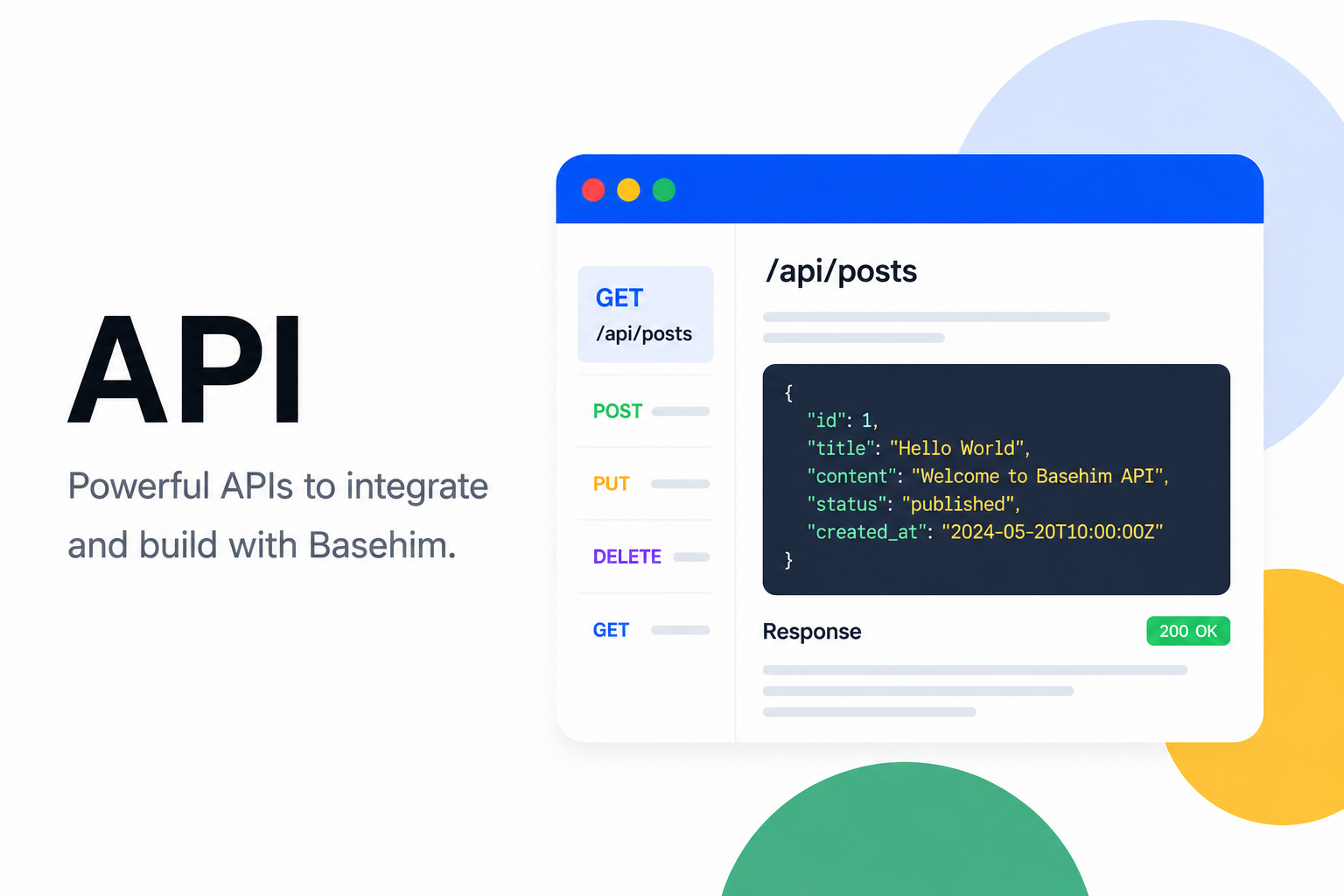
Everything in Basehim's admin is also available over a REST API at /api/v1: posts, pages, media, taxonomies, comments, menus, users and settings. Use it to publish from scripts and other systems, to run Basehim as a headless backend, or to automate a site. This guide covers authentication, conventions and working examples. The full endpoint list is in the API reference.
Base URL
https://your-site.com/api/v1In a subfolder install, include the folder: https://example.com/cms/api/v1.
Reading needs no key
Published posts, pages, categories, tags, menus, widget areas, public settings, search and comments are open to everyone:
curl https://your-site.com/api/v1/posts?per_page=5
curl https://your-site.com/api/v1/posts/hello-world
curl "https://your-site.com/api/v1/search?q=release"
Anything that writes, or that reads drafts, users or settings, needs authentication.
Authentication
| Method | How | Best for |
|---|---|---|
| API key | Authorization: Bearer basehim_… | Scripts, servers, integrations |
| JWT | POST /auth/login, then Authorization: Bearer <access_token> | Apps acting for a person who signs in |
| OAuth 2.1 | Automatic, through /mcp | AI assistants. See MCP and AI agents |
API keys
Create one under API → Keys in the admin. Name it after the integration that will use it, tick the scopes it needs, and copy the key. It's shown once. Then send it as a bearer token:
curl https://your-site.com/api/v1/me -H "Authorization: Bearer basehim_your_key"A key acts as the user who created it, limited to its scopes. Revoke it on the same screen and it stops working at once.
Scopes
| Scope | Allows |
|---|---|
posts:read, posts:write | Posts and pages, including drafts; create, update, trash |
media:read, media:write | The media library; uploads and deletes |
taxonomies:read, taxonomies:write | Categories, tags and other terms |
comments:read, comments:write | Comments; moderation |
users:read, users:write | User accounts |
settings:read, settings:write | Site settings, installed apps, the scheduler and the cache |
menus:read, menus:write | Navigation menus |
Apps can add scopes of their own. A key without the scope an endpoint needs gets 403 insufficient-scope, which names the scope it needs.
Scopes and roles both apply. A scope says which kind of thing a key may touch. The role of the key's owner decides what they may do with it. An author's posts:write key edits that author's own posts only, and a contributor's posts go to review instead of being published. Create keys from an account with the least power that does the job.
JWT (sign in as a person)
curl -X POST https://your-site.com/api/v1/auth/login \
  -H 'Content-Type: application/json' \
  -d '{"login": "ana", "password": "…"}'
{
"user": {"id": 3, "username": "ana", "display_name": "Ana", "role": "editor", "…": "…"},
"access_token": "eyJ…",
"refresh_token": "…",
"token_type": "Bearer",
"expires_in": 900
}logincan be a username or an email.- The access token lasts 15 minutes. Exchange the refresh token for a new pair before then, with
POST /auth/refreshand{"refresh_token": "…"}. Each refresh token works once, and lasts 14 days. POST /auth/logoutwith the refresh token ends the session.- Accounts that use two-step sign-in get
401 two_factor_requiredfirst. A 6-digit code is emailed; repeat the login with"otp": "123456"added.
JWTs carry the user's full role. Scopes don't apply to them, so treat them like a password.
Requests and responses
Send JSON with Content-Type: application/json. Form-encoded bodies work too, and file uploads use multipart/form-data.
Successful responses wrap the result in data. Lists add meta:
{
  "data": [ { "id": 87, "slug": "release-notes-2-4", "title": "Release notes 2.4", "…": "…" } ],
  "meta": { "page": 1, "per_page": 10, "total": 57, "last_page": 6 }
}
A few endpoints answer differently: /auth/login and /auth/refresh return tokens at the top level, /me returns {"user": …}, and deletes return {"message": "Deleted"}.
Two rules that catch people out
- Read single items by slug, change them by id.
GET /posts/hello-world, butPATCH /posts/12andDELETE /posts/12. - Updates are partial.
PATCH /posts/12with{"title": "New"}changes the title and nothing else.PUTbehaves the same way.
Pagination and filters
List endpoints take page (from 1) and per_page (up to 100). /posts and /pages also take q (search) and author_id. The public lists show published content only.
curl "https://your-site.com/api/v1/posts?page=2&per_page=20&q=release"Errors
Always check the HTTP status first. Authentication and scope errors use problem details (RFC 7807):
{"type": "https://basehim.io/errors/insufficient-scope", "title": "Insufficient scope", "status": 403,
 "detail": "This API key does not have the users:read scope.", "required_scope": "users:read"}
Other errors are a short object with an error message:
{"error": "Requires the publish_posts capability."}So read detail, then error. A 5xx never includes the exception: details go to the site's log.
| Status | Meaning |
|---|---|
| 400 / 422 | The request was malformed or failed validation |
| 401 | No credentials, or they are invalid or expired |
| 403 | Missing scope or capability |
| 404 | No such item, or it isn't published |
| 429 | Too many attempts (sign-in) |
| 500 | Server error; see the site's log |
HTML in content
Post HTML from accounts without the unfiltered_html capability (anyone below editor) is filtered on save: scripts, event handlers, javascript: links and unknown iframes are removed. When that happens, the response carries a warnings array next to data. Markdown stays Markdown unless it contains HTML that can't be checked safely.
Examples
Each example below creates a draft, publishes it and reads it back. Set BASEHIM_URL and BASEHIM_KEY (a key with posts:read and posts:write) before running them.
curl
# Create a draft (Markdown is rendered on the site)
curl -X POST "$BASEHIM_URL/api/v1/posts" \
  -H "Authorization: Bearer $BASEHIM_KEY" -H 'Content-Type: application/json' \
  -d '{"title":"Hello from curl","content":"Written by **a script**.","content_format":"markdown","status":"draft"}'

# Publish it (by id), then read it (by slug)
curl -X PATCH "$BASEHIM_URL/api/v1/posts/42" \
  -H "Authorization: Bearer $BASEHIM_KEY" -H 'Content-Type: application/json' \
  -d '{"status":"published"}'
curl "$BASEHIM_URL/api/v1/posts/hello-from-curl"
JavaScript (Node.js 18+)
const SITE = process.env.BASEHIM_URL;
const KEY = process.env.BASEHIM_KEY;     // basehim_…

async function api(method, path, body) {
  const res = await fetch(`${SITE}/api/v1${path}`, {
    method,
    headers: {
      Authorization: `Bearer ${KEY}`,
      'Content-Type': 'application/json',
      Accept: 'application/json',
    },
    body: body === undefined ? undefined : JSON.stringify(body),
  });
  const json = await res.json();
  if (!res.ok) throw new Error(`${res.status}: ${json.detail ?? json.error}`);
  return json;
}

const { data: post } = await api('POST', '/posts', {
  title: 'Hello from JavaScript',
  content: '<p>Written by a script.</p>',
  status: 'draft',
});
await api('PATCH', `/posts/${post.id}`, { status: 'published' });
const { data: list, meta } = await api('GET', '/posts?per_page=5');
console.log(meta.total, 'published posts; newest:', list[0].title);
Never put an API key in JavaScript that runs in visitors' browsers: anyone could read it. Call the API from your server, or read public endpoints without a key. To call the API from another origin, list that origin in CORS_ALLOWED_ORIGINS (Configuration).
PHP
<?php
$site = getenv('BASEHIM_URL');
$key  = getenv('BASEHIM_KEY');

function api(string $method, string $path, ?array $body = null): array
{
    global $site, $key;
    $ch = curl_init($site . '/api/v1' . $path);
    curl_setopt_array($ch, [
        CURLOPT_CUSTOMREQUEST  => $method,
        CURLOPT_RETURNTRANSFER => true,
        CURLOPT_TIMEOUT        => 20,
        CURLOPT_HTTPHEADER     => [
            'Authorization: Bearer ' . $key,
            'Content-Type: application/json',
            'Accept: application/json',
        ],
        CURLOPT_POSTFIELDS     => $body === null ? null : json_encode($body),
    ]);
    $json   = json_decode((string) curl_exec($ch), true) ?? [];
    $status = curl_getinfo($ch, CURLINFO_RESPONSE_CODE);
    curl_close($ch);
    if ($status >= 400) {
        throw new RuntimeException($status . ': ' . ($json['detail'] ?? $json['error'] ?? 'request failed'));
    }
    return $json;
}

$post = api('POST', '/posts', ['title' => 'Hello from PHP', 'content' => '<p>Written by a script.</p>', 'status' => 'draft'])['data'];
api('PATCH', '/posts/' . $post['id'], ['status' => 'published']);
echo api('GET', '/posts/' . $post['slug'])['data']['status'], "\n";   // published
This is for code running outside Basehim. Inside an app, use $this->api() instead (The App API).
Python (standard library only)
import json, os, urllib.request

SITE = os.environ["BASEHIM_URL"]
KEY = os.environ["BASEHIM_KEY"]

def api(method, path, body=None):
    req = urllib.request.Request(
        SITE + "/api/v1" + path,
        method=method,
        data=json.dumps(body).encode() if body is not None else None,
        headers={"Authorization": "Bearer " + KEY,
                 "Content-Type": "application/json",
                 "Accept": "application/json"},
    )
    try:
        with urllib.request.urlopen(req, timeout=20) as res:
            return json.load(res)
    except urllib.error.HTTPError as e:
        problem = json.load(e)
        raise SystemExit(f"{e.code}: {problem.get('detail') or problem.get('error')}")

post = api("POST", "/posts", {"title": "Hello from Python", "content": "Written by **a script**.",
                               "content_format": "markdown", "status": "draft"})["data"]
api("PATCH", f"/posts/{post['id']}", {"status": "published"})
print(api("GET", f"/posts/{post['slug']}")["data"]["status"])   # published
Common tasks
Upload an image and use it as the featured image
curl -X POST "$BASEHIM_URL/api/v1/media" -H "Authorization: Bearer $BASEHIM_KEY" \
  -F "file=@cover.png" -F "alt_text=Blue banner"
# → {"data": {"id": 3, "url": "/uploads/2026/10/cover.png", …}}

curl -X PATCH "$BASEHIM_URL/api/v1/posts/42" -H "Authorization: Bearer $BASEHIM_KEY" \
  -H 'Content-Type: application/json' -d '{"featured_media_id": 3}'
Put a post in a category
# Find or create the category
curl "$BASEHIM_URL/api/v1/taxonomies/category/terms"
curl -X POST "$BASEHIM_URL/api/v1/taxonomies/category/terms" -H "Authorization: Bearer $BASEHIM_KEY" \
  -H 'Content-Type: application/json' -d '{"name": "Release notes"}'

# term_ids replaces all of the post's categories and tags
curl -X PATCH "$BASEHIM_URL/api/v1/posts/42" -H "Authorization: Bearer $BASEHIM_KEY" \
  -H 'Content-Type: application/json' -d '{"term_ids": [11]}'
Post fields you can send
| Field | Notes |
|---|---|
title | Required on create unless content is given |
content | HTML, Markdown or block JSON |
content_format | html (default), markdown or blocks |
excerpt | Plain text summary |
status | draft, pending or published. Without publish_posts, published becomes pending |
slug | Generated from the title if left out |
comment_status | open or closed |
featured_media_id | A media id, or null |
term_ids | Category and tag ids; replaces the current set |
A step-by-step version, with error handling and an image upload, is in the tutorial Publish from a script with the REST API.
Good practice
- Give every integration its own key, with the fewest scopes, created by the least powerful account that works.
- Keep keys out of browsers, repositories and screenshots. Revoke a leaked key at once.
- Don't call your own site's API from inside an app.
$this->api()does the same thing in-process. - Cache public reads. The API is fast, but a headless front end that fetches every post on every page view adds up.
Leave a comment