Connect an AI assistant to your site
A step-by-step tutorial. Connect Claude, or any MCP client, to your Basehim site over OAuth or with an API key. Choose the right account and scopes, try useful prompts, and know how to disconnect.

The REST API, the MCP server for AI agents, and AI discovery with llms.txt and WebMCP.
7 articles
A step-by-step tutorial. Connect Claude, or any MCP client, to your Basehim site over OAuth or with an API key. Choose the right account and scopes, try useful prompts, and know how to disconnect.
A step-by-step tutorial. Write a small Node.js script that publishes Markdown files to Basehim - creating the category, uploading a cover image, and updating the same post on later runs - with a scoped API key and proper error handling.
A step-by-step tutorial. Expose your app's data to AI assistants as an MCP tool with its own scope, decide which roles may grant it, and test it with an API key and a JSON-RPC call.
What Basehim publishes so AI crawlers and agents can find and use a site - robots.txt rules per crawler class, llms.txt, the agent resource catalog and in-browser WebMCP tools - and how themes and apps extend each one.
Basehim's built-in Model Context Protocol server - how assistants connect over OAuth 2.1 or with an API key, what each tool does and which scope it needs, how roles limit agents, raw JSON-RPC examples, and how apps add tools.
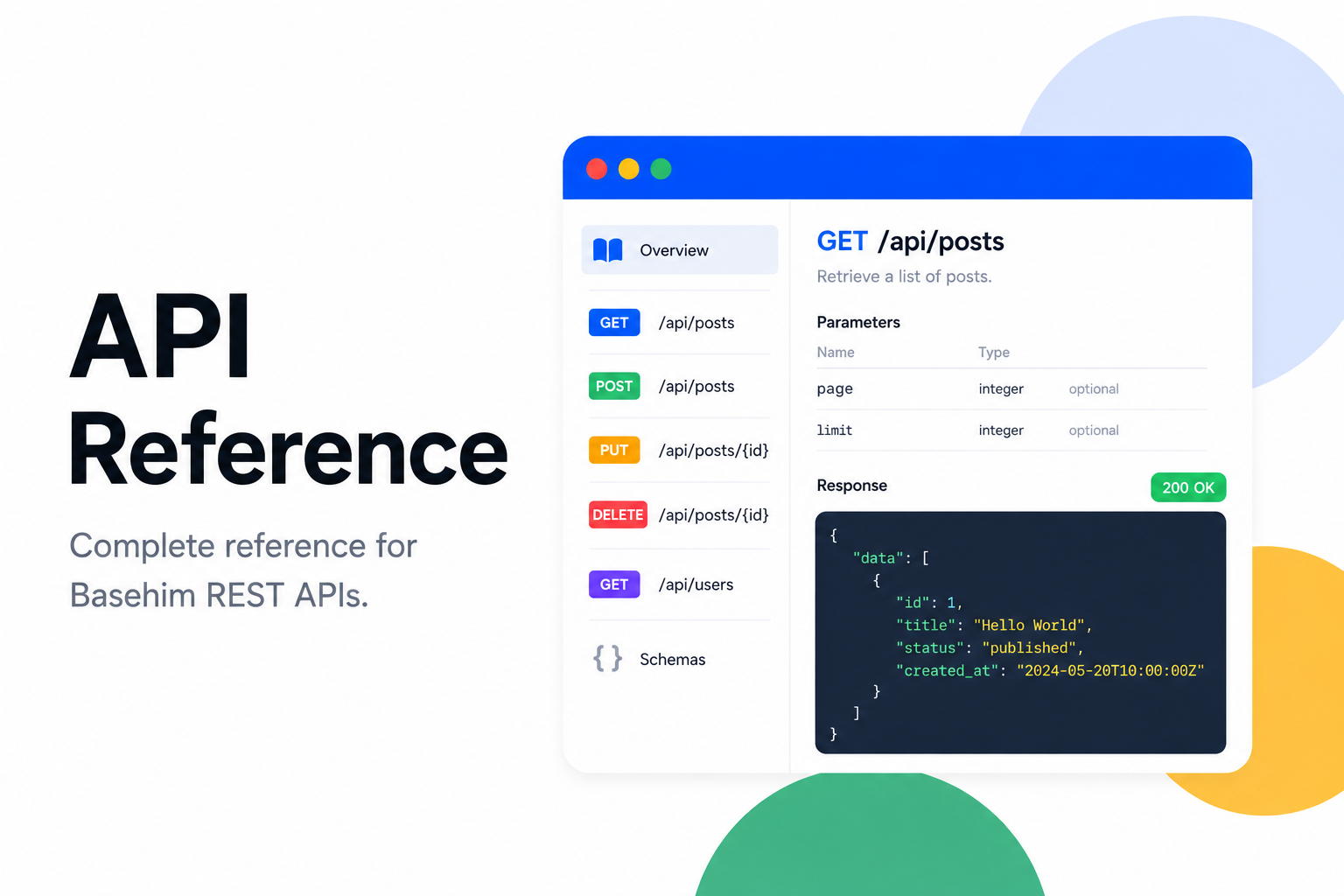
Every REST, OAuth and MCP endpoint in Basehim core, with the scope an API key needs for each, checked against the routes in Basehim 1.2.53.
Authenticate with API keys or JWT, understand scopes, responses, errors and pagination, and call the API from curl, JavaScript, PHP and Python with tested examples.