Skip to content

Category: Docs

Guides and reference for setting up and running a Basehim site.

21 articles

SEO, dates and images in themes

What core's SEO service prints so your theme doesn't have to, how to adjust it per page or site-wide, how to show dates in the site's timezone, and how to print responsive featured images.

Asif Mughal

Customizer options, menus and widgets

Declare Customizer options in theme.json and use them as CSS variables, add menu locations and widget areas, ship your own widgets, style the comment form and author box, and register filters from boot.php.

Asif Mughal

Theme reference: variables and helpers

Every variable a template receives, the fields on a post row, and every helper function a theme can call: menus, widgets, comments, authors, images, dates, settings and assets.

Asif Mughal

Updates, migrations and backups

How one-click updates work, what they never touch, how database migrations run, how to update a git checkout, and how to ship updates for your own apps and themes.

Asif Mughal

Configuration and the .env file

Every setting Basehim reads from .env, what it does, and the ones to change for debugging, proxies, CORS, shared databases and token security.

Asif Mughal

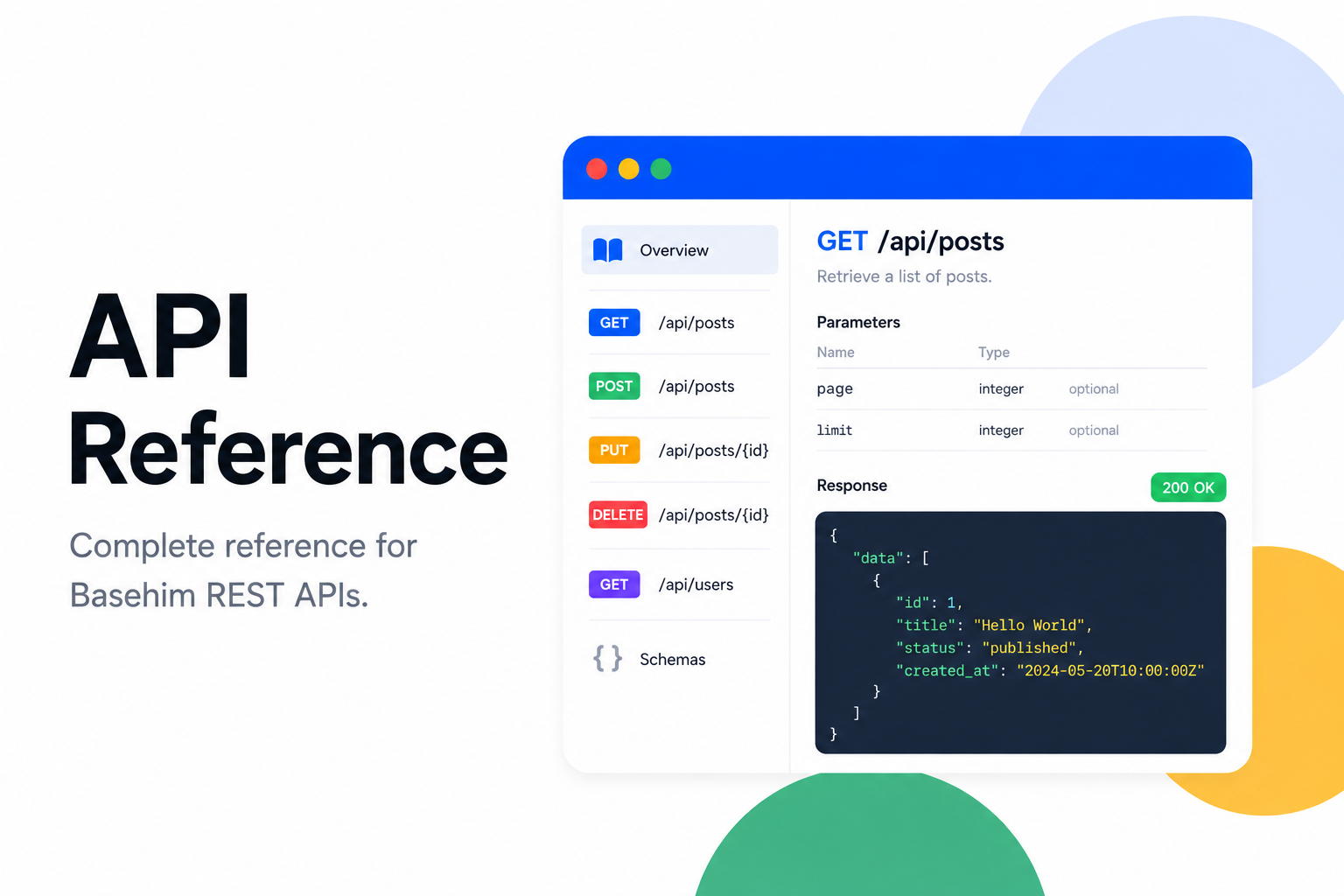
API reference

Every REST, OAuth and MCP endpoint in Basehim core, with the scope an API key needs for each, checked against the routes in Basehim 1.2.53.

Asif Mughal

REST API guide

Authenticate with API keys or JWT, understand scopes, responses, errors and pagination, and call the API from curl, JavaScript, PHP and Python with tested examples.

Asif Mughal

App development

How a Basehim app is structured: the app.json manifest, the entry class, lifecycle methods, what boot() is for, the helpers the base class gives you, and how to package and publish an app.

Asif Mughal

Theme development

How a Basehim theme is put together: the folder layout, theme.json, templates and partials, the data core passes in, bh_head() and bh_footer(), assets, pagination and packaging.

Asif Mughal

Installation

Requirements, installing on shared hosting, in a subfolder and on your own machine, nginx rules, a real cron for the scheduler, and what to check when something goes wrong.

Asif Mughal